Block Garden
About
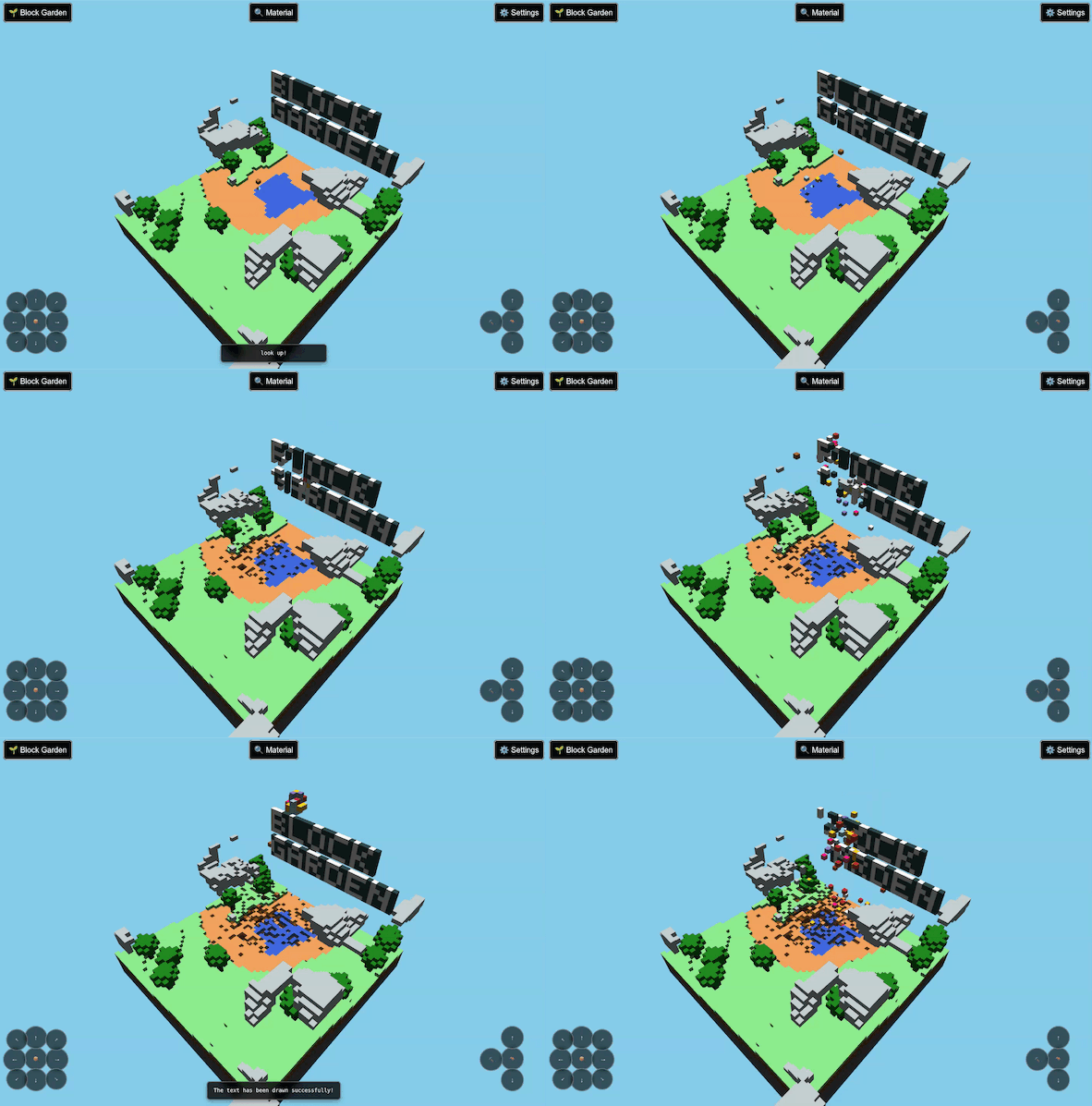
Block Garden is a 3D sandbox exploration and building game. Explore and discover procedurally generated worlds and dig an assortment of block, while planting a variety of seeds.
Features
- Procedural World Generation - Each world is unique, generated from a shareable seed
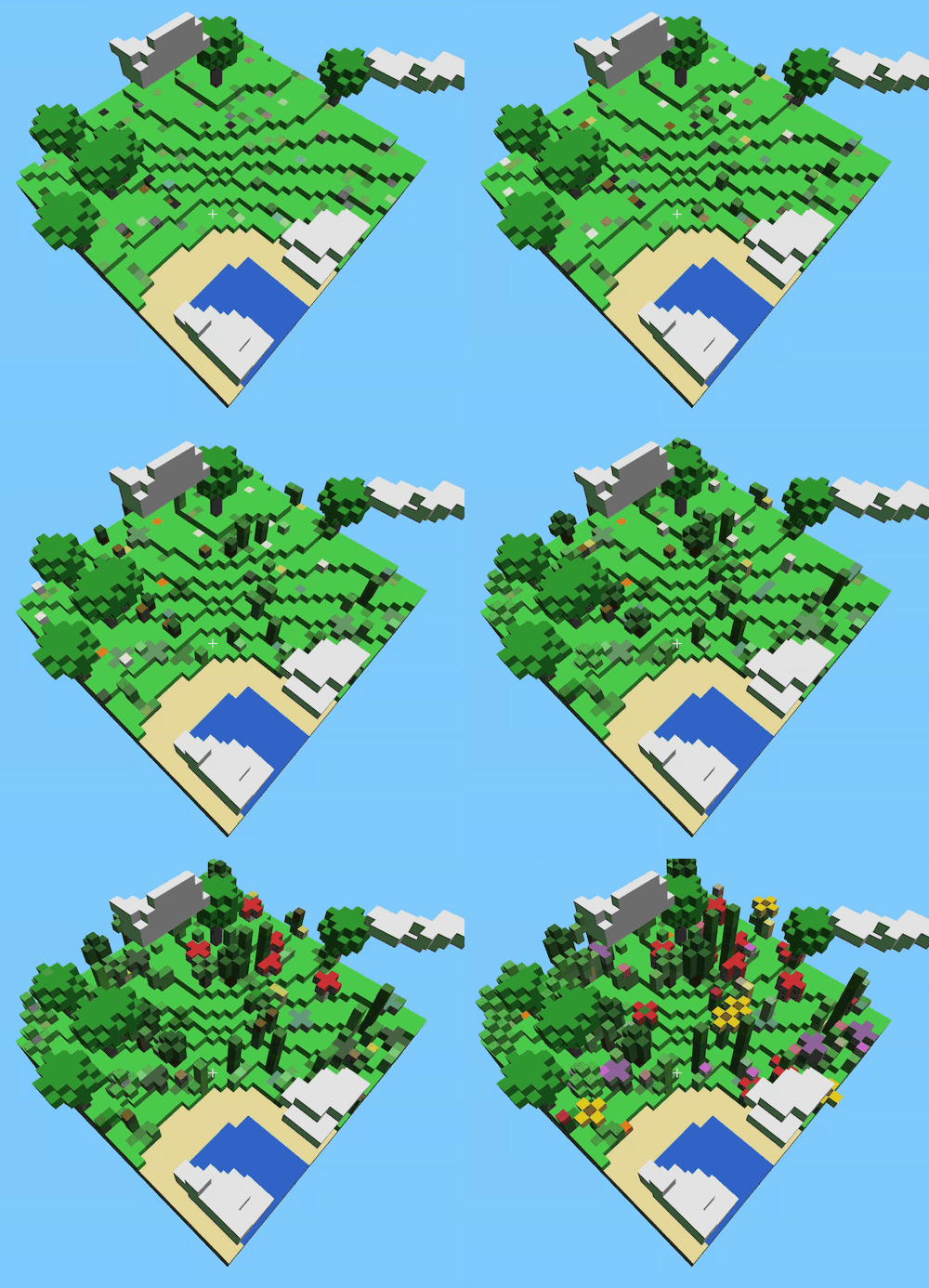
- Planting System - Plant different seed types with realistic growth cycles
- Resource Mining - Dig for resources like stone, dirt, and sand.
- Building - Use collected materials to place blocks and shape the world
- Clouds - Continue building and farming while in the sky
- Save & Load - Your progress can be saved on device or as a file to share
Privacy by Design
Block Garden is private by design. All game data is processed and stored locally on your device. No personal information is collected, transmitted, or stored on external servers. Your game worlds, progress, and preferences never leave your device, unless shared by you.
Read more about the Block Garden Privacy Policy.
Controls
- Movement:
w/a/s/d - Camera:
Arrow Keys - Descend:
Shift - Jump / Ascend:
Space - Place / Break Block:
Enter - Change Block:
~/` - Open Inventory:
e/i - Toggle Hotbar:
m - Toggle Flight:
k - Click game canvas to lock mouse
- Use crosshair to center block placement
- Left Click (Hold): Break Block
- Right Click: Place Block
Tips for New Players
- Start by exploring your immediate surroundings to understand the layout of the environment.
- Look for a place to plant seeds blocks from inventory.
- Different plants grow at different rates - mushrooms are fastest, trees are slowest
- Place and remove various block types to shape your world.
- Save your game frequently using the World State menu (Ctrl+S)
- Share interesting world seeds with friends!
Open Source
Block Garden is open source software. Visit the project repository to view the code, report issues, or to contribute.